

Setting Up Wireless Security Camera
Home and business security has become increasingly important as people look for smarter ways to protect their properties. With rising safety concerns and advancements in technology, many homeowners and business owners are turning to a wireless security camera set up to monitor their surroundings more effectively. Compared to traditional surveillance systems, setting up wireless security camera systems is far more convenient because they eliminate complicated wiring and allow for faster installation. This ease of use has made solutions like battery powered wireless security cameras extremely popular for both indoor and outdoor monitoring.
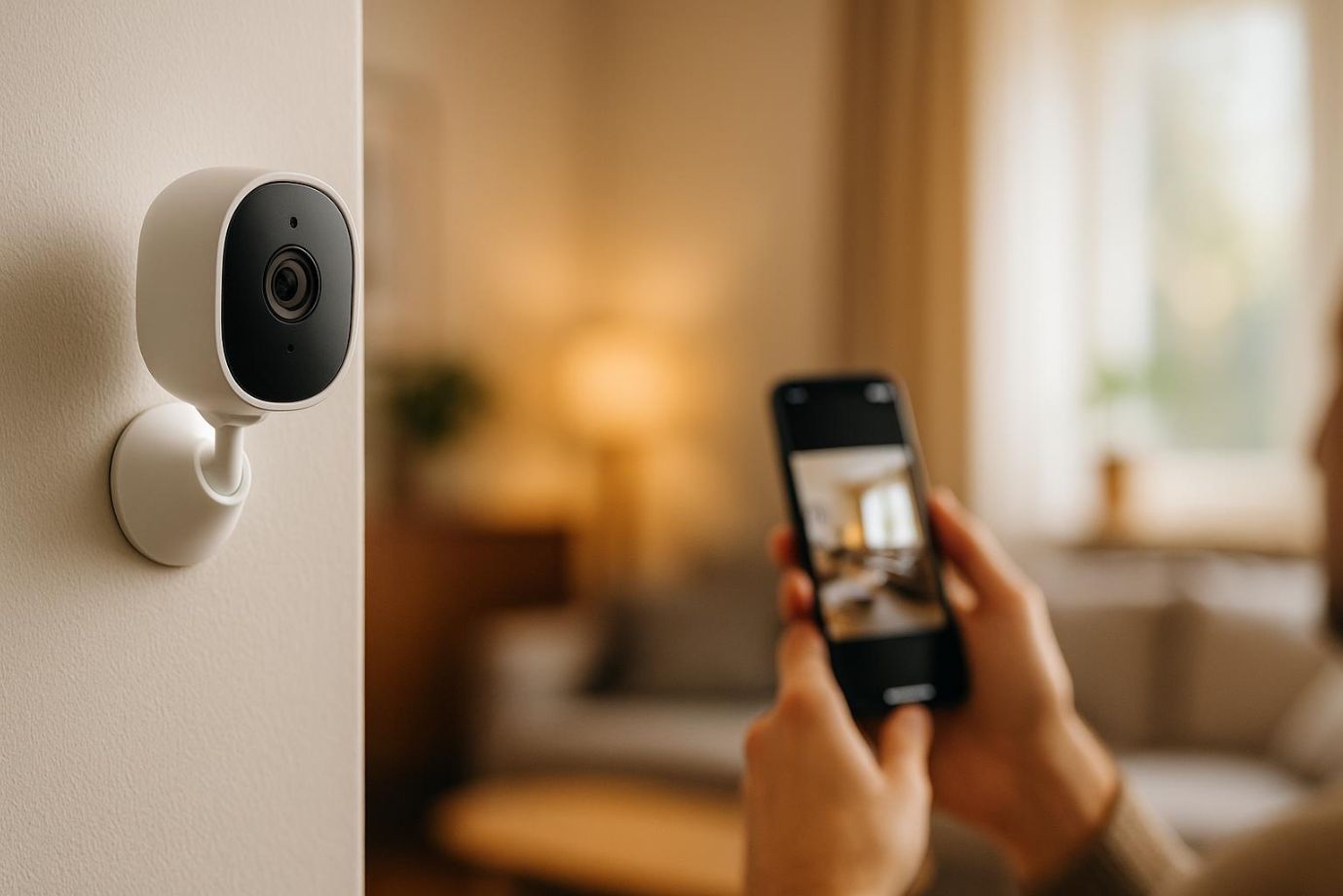
Modern surveillance options also provide flexibility in terms of camera types and placement. For example, an outdoor bullet camera can provide clear visibility of entry points, driveways, and outdoor spaces. Many of these devices are designed to be among the easiest security cameras to install, making the overall set up process simple even for beginners. With just a smartphone and a few installation steps, users can complete a quick cam set up without needing professional help.
In this blog, you will learn everything you need to know about home security camera installation, including how to install wireless security camera systems, the best placement strategies, and how to complete a reliable set up for home. By the end, you will understand how to confidently set up camera systems for better security and peace of mind.
What is a Wireless Security Camera?
It is a modern surveillance device designed to monitor homes and businesses without the need for complex wiring. A wireless security camera set up uses Wi-Fi connectivity to transmit video footage to a smartphone, computer, or cloud storage system. Because there are fewer cables involved, setting up wireless security camera systems is usually faster and more convenient than traditional surveillance methods, making them a popular choice for both beginners and professionals.
-
Wireless vs Wired Cameras
The main difference between wireless and wired cameras lies in how they transmit data and receive power. Wired cameras require physical cables for both connectivity and power, which often makes installation more complicated. In contrast, wireless systems simplify the set up process because they rely on Wi-Fi for video transmission, allowing users to complete a basic camera set up with minimal tools.
-
How Wireless Cameras Work
Wireless cameras operate by connecting to a Wi-Fi network and sending video recordings to storage systems. These recordings can be stored in cloud services or on local devices like SD cards. Most cameras also integrate with mobile apps, enabling users to control settings, monitor footage, and manage the cam set up remotely. This convenience is why they are often considered the easiest security cameras to install.
-
Types of Wireless Security Cameras
Wireless cameras come in several types to suit different needs.
-
- Indoor Cameras: Designed for monitoring living rooms, hallways, or offices as part of a security camera set up.
- Outdoor Cameras: Durable options like a bullet camera built to handle weather conditions.
- Battery Powered Cameras: These simplify installation and camera set up.
- Solar-Powered Cameras: Energy-efficient devices ideal for long-term surveillance.
- Smart AI Cameras: Advanced cameras with motion detection and smart alerts, making them among the easiest security cameras to install.
Benefits of Wireless Security Cameras
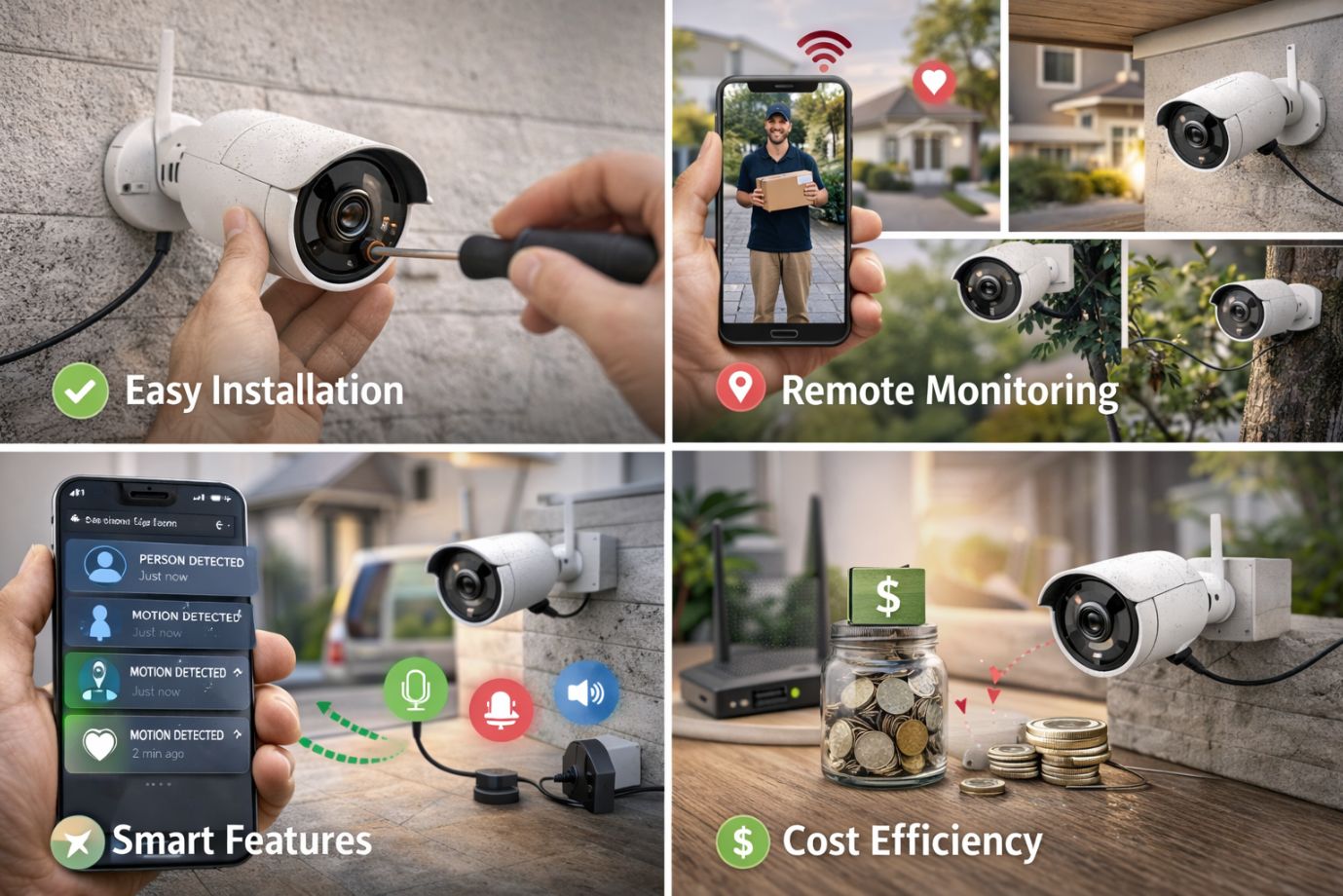
Wireless surveillance systems have become increasingly popular because they provide convenience, flexibility, and advanced monitoring features. A wireless security camera allows homeowners and businesses to secure their properties without complicated installation procedures. Compared to traditional systems, setting up wireless security camera is faster, more adaptable, and suitable for modern smart homes.
-
Easy Installation:
One of the biggest advantages of wireless cameras is their simple installation process. Unlike wired systems that require extensive cabling, users can easily complete set up with minimal tools. Many models are designed as the easiest security cameras to install, making them ideal for beginners. With devices like battery powered wireless security cameras, users can quickly set them up without worrying about power cables or drilling multiple holes during installation.
-
Remote Monitoring:
Wireless cameras allow users to monitor their property from anywhere. Through mobile apps, homeowners can manage the security camera set up, watch live footage, and receive instant alerts. This remote access makes it easier to set up surveillance camera at home and stay connected to security systems even while traveling.
-
Flexible Placement:
Another benefit of a wireless system is flexible positioning. Cameras can be easily moved or adjusted depending on surveillance needs. For example, an outdoor bullet camera can monitor entrances, while indoor units can be relocated for better coverage. This flexibility simplifies the set up
-
Smart Features:
Modern cameras offer intelligent features such as motion detection, night vision, and AI-powered alerts. These technologies improve monitoring efficiency and help users quickly identify unusual activity.
-
Cost Efficiency:
A wireless system can also reduce installation and maintenance costs. Since users can install wireless security camera systems without extensive wiring, the overall security camera setup becomes more affordable. Additionally, these systems can integrate with advanced options like PTZ camera or NVR camera system for expanded surveillance capabilities.
Things to Consider Before Installing a Wireless Security Camera
Before starting to set up wireless security camera, it is important to evaluate a few key factors to ensure the system performs efficiently. Proper planning helps make setting up wireless security camera smoother and ensures long-term reliability for your surveillance needs.
-
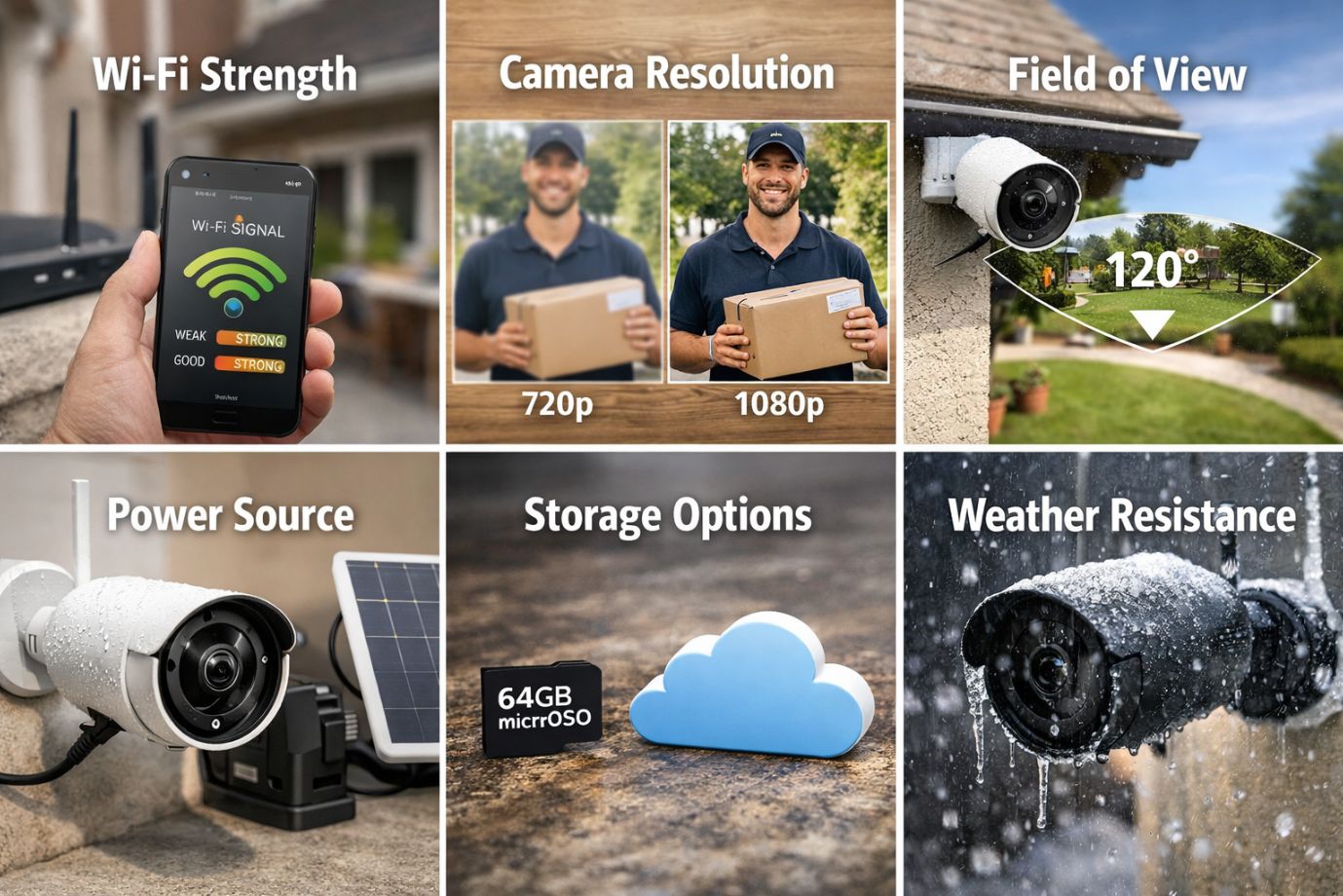
Wi-Fi Strength:
A strong and stable internet connection is essential for a successful security camera set up. Wireless cameras rely on Wi-Fi to transmit footage and alerts. Weak signals can cause interruptions in video streaming, delayed notifications, or connection drops. When you set up surveillance camera at home, make sure the installation location has a strong Wi-Fi signal. If needed, you can use a Wi-Fi extender to improve connectivity.
-
Camera Resolution:
Camera resolution plays a key role in capturing clear and detailed footage. Most users choose between 1080p, 2K, or 4K cameras depending on their security requirements. Higher resolution cameras provide sharper images, which can be extremely helpful during installation when identifying faces, objects, or vehicle numbers.
-
Field of View:
The field of view determines how much area the camera can cover. Cameras with a wider angle can monitor larger spaces, reducing the number of devices required for a complete set up. For outdoor monitoring, devices such as a bullet camera are often used to cover entrances, driveways, and open areas effectively.
-
Power Source:
Another important factor when planning to install wireless security camera systems is the power source. Some cameras use plug-in power adapters, while others operate as battery powered wireless security cameras or solar-powered devices. Battery options are often considered the easiest security cameras to install because they simplify the overall set up
-
Storage Options:
Storage determines how recorded footage is saved and accessed. Many users choose cloud storage for remote access, while others prefer SD cards for local recording. Advanced users may opt for an NVR camera system setup to manage multiple cameras and store larger amounts of video data. Understanding these options is helpful when learning how to install wireless camera systems properly.
-
Weather Resistance:
If you plan to place cameras outdoors, weather resistance becomes very important. Outdoor cameras must withstand rain, dust, heat, and other environmental conditions. Durable models designed for exterior use can support long-term monitoring and may even integrate with advanced solutions like PTZ camera for wider coverage and improved surveillance.
Step-by-Step Guide to Wireless Security Camera Set up
Completing a wireless security camera set up may sound complicated, but modern devices are designed to make the process simple and user-friendly. With the right approach, setting up wireless security camera can be done in a few easy steps. Whether you want to set up at home or office, following a structured process will ensure a smooth set up.
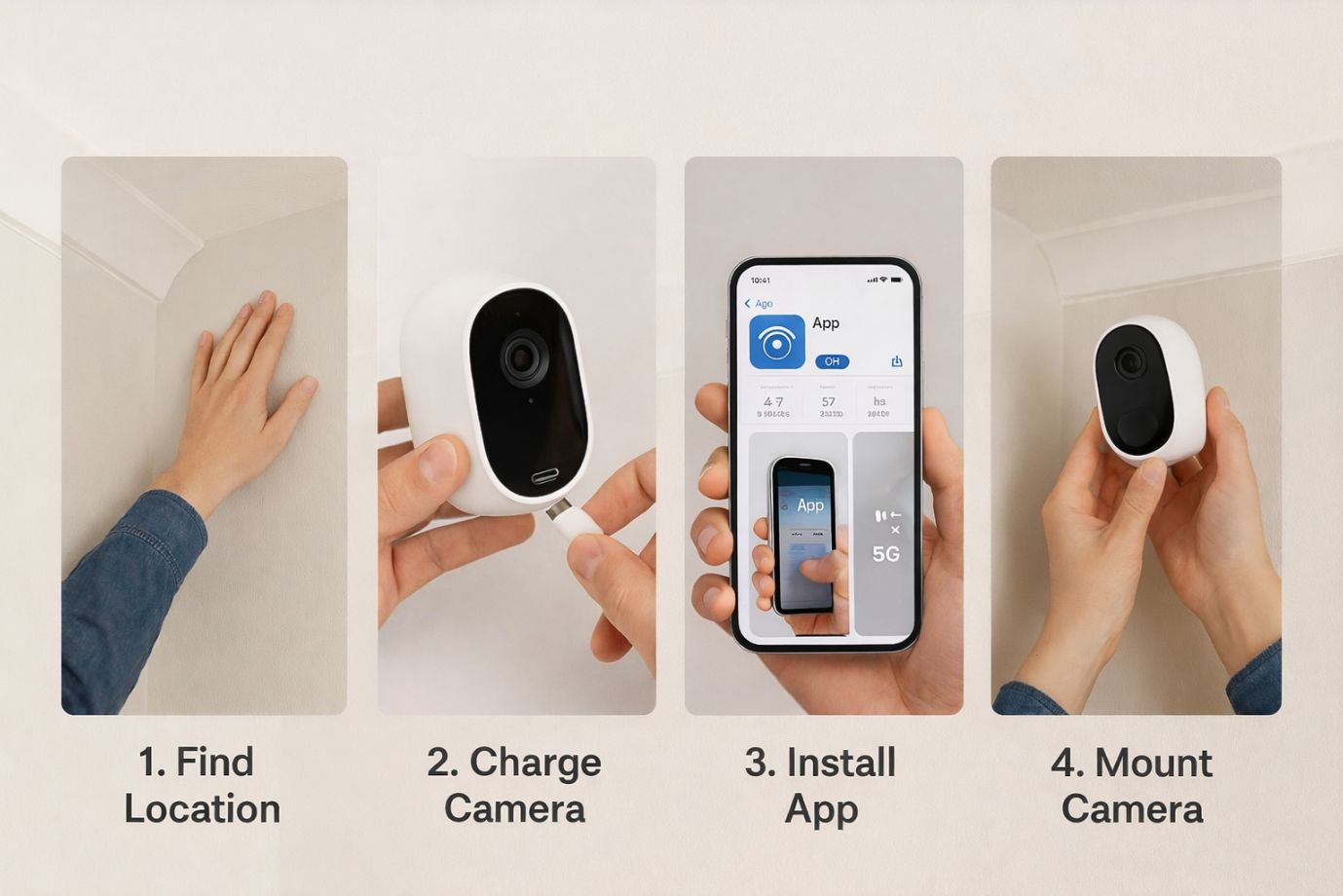
1. Choose the Right Camera Location
The first step in a successful wireless security camera set up is selecting the right locations. Focus on areas that need the most monitoring such as entry points, backyards, garages, and living rooms. Outdoor areas may benefit from devices like a bullet camera, while indoor cameras can monitor hallways or common spaces.
2. Install the Camera Mount
Once the location is selected, begin the set up by installing the mounting bracket. Mark the drilling points carefully to ensure accurate placement. After drilling, securely attach the bracket to support the camera and ensure a stable set up.
3. Power the Camera
Next, power the camera depending on the model you are using. Many modern systems include battery powered wireless security cameras, which are among the easiest security cameras to install. Simply insert the batteries or connect the power adapter to complete this part of the set up.
4. Connect the Camera to Wi-Fi
To install wireless security camera systems properly, the camera must connect to your Wi-Fi network. Download the camera’s mobile application, create an account, and follow the prompts. Most systems allow you to scan a QR code or manually add the device during the set up process.
5. Adjust the Camera Angle
After connecting the camera, adjust its angle so it covers the main surveillance area. Make sure entryways, driveways, or important indoor spaces are clearly visible.
6. Configure Camera Settings
Once the camera is positioned correctly, configure important settings such as motion detection, alert notifications, and recording preferences. These features improve monitoring efficiency and allow better control of your wireless security camera set up.
7. Test the Camera
The final step in learning how to install wireless camera systems is testing. Check the live view on your mobile app and trigger motion alerts to confirm everything works properly. If you are using multiple cameras or advanced setups like NVR camera system setup or PTZ camera installation, testing ensures every camera functions correctly within the complete set up.
Common Wireless Security Camera Set up Problems and Fixes
While a wireless security camera set up is generally simple and user-friendly, users may still face a few common issues during set up. Understanding these problems and knowing how to fix them can help ensure a smooth set up and reliable monitoring for your property.
1. Weak Wi-Fi Signal
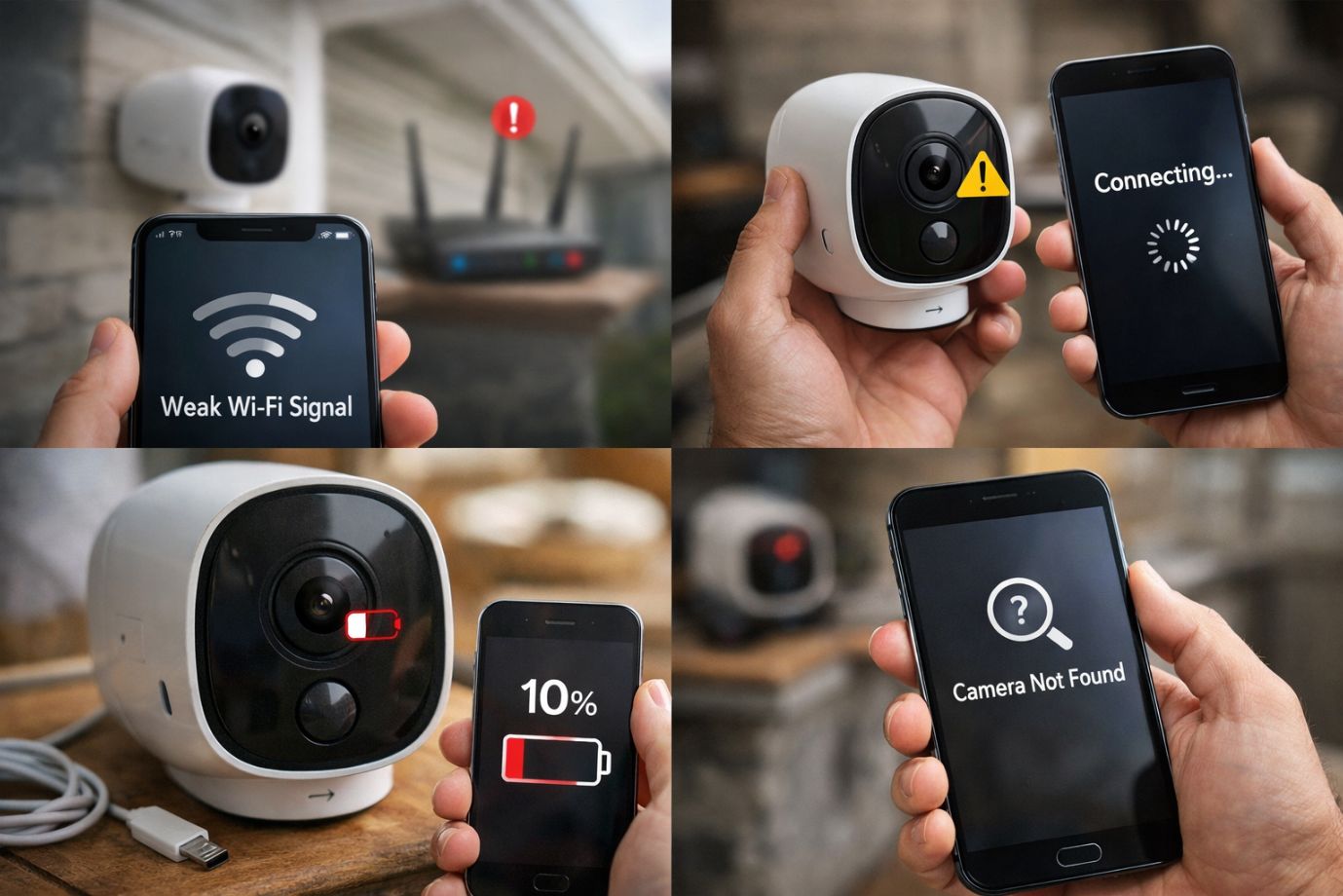
It is one of the most common problems during wireless security camera installation. Since wireless cameras rely on internet connectivity to transmit footage and alerts, poor signal strength can lead to delays, buffering, or disconnections. This issue often occurs when you set up surveillance camera at home in areas far from the router, such as garages, backyards, or outdoor spaces where a bullet camera may be installed. Using Wi-Fi extenders or relocating the router closer to the camera can improve connectivity and stabilize the set up.
2. Camera Not Connecting
Another issue users face when trying to install wireless security camera systems is the camera failing to connect to the network or mobile app. This can occur due to incorrect Wi-Fi credentials or temporary system errors. Resetting the device and restarting the camera usually resolves the problem and ensures a successful cam set up.
3. Battery Draining Quickly
Homes using battery powered wireless security cameras may sometimes experience faster battery drain. This often happens when motion detection sensitivity is set too high or when the camera records continuously. Adjusting motion detection settings can extend battery life while maintaining an effective security camera set up for home.
4. App Not Detecting Camera
Sometimes the mobile application may not detect the camera during installation steps. Updating the firmware or reinstalling the mobile app usually fixes the issue. This ensures proper integration with advanced systems such as NVR camera system setup or PTZ camera installation, allowing the complete set up to function smoothly.
Wireless Security Camera Maintenance Tips
Proper maintenance helps ensure that your wireless security camera continues to work efficiently and provide reliable monitoring. After you install wireless security camera systems, following a few simple maintenance steps can keep your camera functioning smoothly for a long time.
-
Clean the Camera Lens Regularly:
Dust, dirt, and water spots can affect video quality. Cleaning the lens periodically ensures your wireless security camera captures clear and sharp footage.
-
Check Battery Levels:
If you are using battery powered wireless security cameras, it is important to monitor battery levels regularly. Low batteries can interrupt recording and affect the reliability of your set up.
-
Update Camera Firmware:
Manufacturers release firmware updates to improve security and performance. Updating firmware helps your camera stay secure and operate with the latest features.
-
Test Motion Alerts Monthly:
Motion detection is an essential feature of a wireless security camera system. Testing alerts monthly ensures the camera correctly detects movement and sends notifications.
-
Secure Your Wi-Fi Network:
Protect your network with strong passwords and proper security settings. A secure network ensures your camera system remains protected from unauthorized access.
Security and Privacy Best Practices for Wireless Security Camera
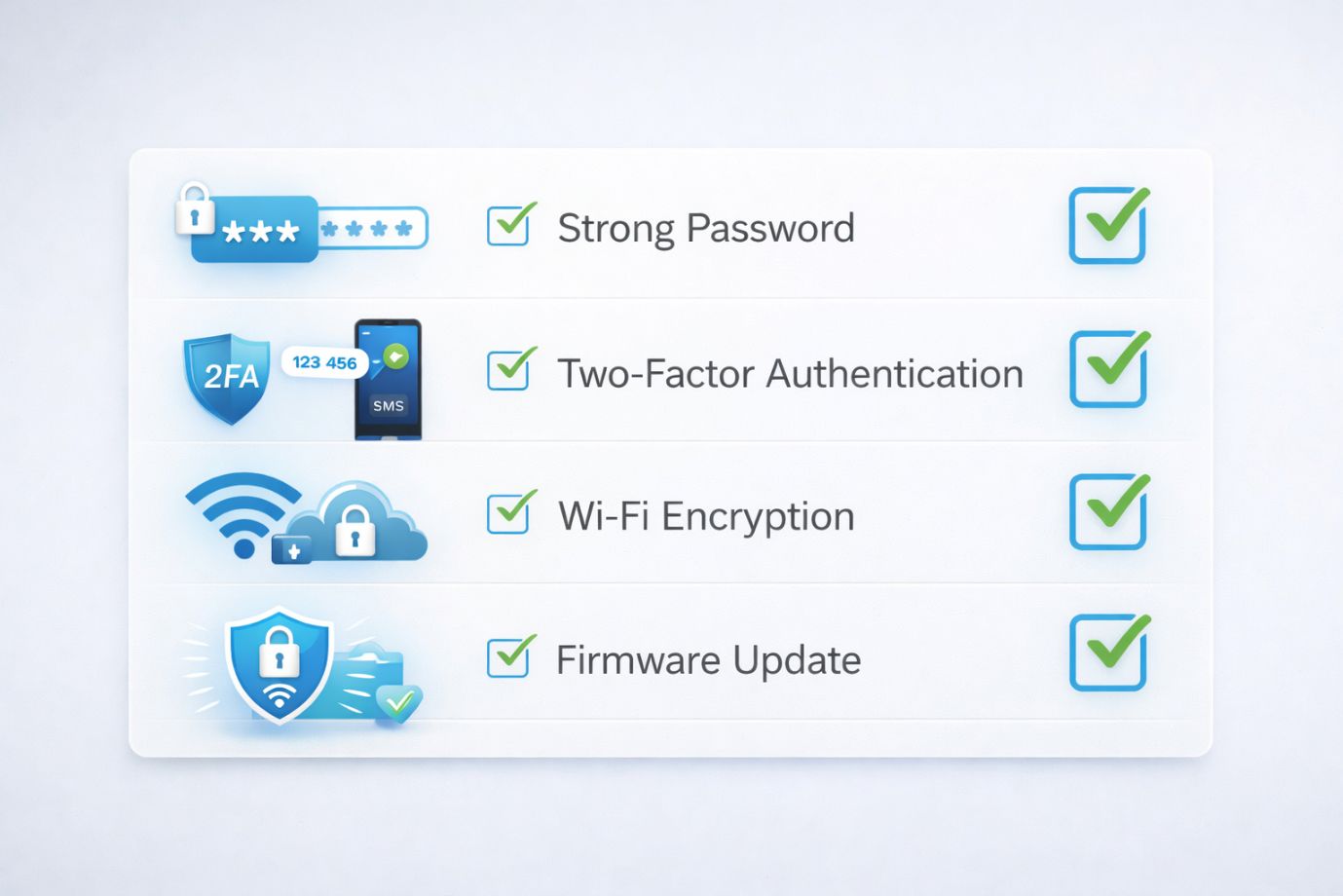
Protecting your surveillance system is just as important as completing a proper set up. When setting up wireless security camera systems, following essential security practices helps prevent unauthorized access and ensures your security camera setup remains safe and reliable.
-
Use Strong Passwords:
Always create strong and unique passwords for your camera account and mobile app. This prevents unauthorized users from accessing your camera set up or interfering with your monitoring system.
-
Enable Two-Factor Authentication:
Adding two-factor authentication provides an extra layer of protection. This feature ensures that only authorized users can access the cam set up and control your surveillance devices.
-
Keep Firmware Updated:
Regular firmware updates improve device security and fix vulnerabilities. Keeping your cameras updated helps maintain a safe set up whether you install wireless security camera systems indoors or outdoors.
-
Secure Your Home Wi-Fi Network:
A protected Wi-Fi network is essential when you set up surveillance camera at home. Use strong router passwords and encryption to keep your cameras connected safely.
-
Use Encrypted Cloud Storage:
Many modern cameras, including battery powered wireless security cameras and outdoor options like a bullet camera, support encrypted cloud storage. This ensures recorded footage remains private and secure even in advanced systems such as NVR camera system setup or larger installations.
FAQs
Q1. What is a wireless security camera and how does it work?
- A. A wireless security camera is a surveillance device that connects to a Wi-Fi network to transmit video footage to a smartphone, computer, or cloud storage. During a wireless security camera set up, the camera connects to your home network and allows you to monitor live footage remotely through a mobile app.
Q2. How difficult is setting up a wireless security camera set up at home?
- A. In most cases, setting up wireless security camera is simple. Many modern devices are considered the easiest security cameras to install, and the process usually involves mounting the camera, connecting it to Wi-Fi, and completing the set up through a mobile app.
Q3. Are battery powered wireless security cameras reliable?
- A. Yes, battery powered wireless security cameras are reliable and convenient. They simplify installation because they do not require complex wiring, making them ideal for quick and flexible set up.
Q4. What should I check before starting a home security camera installation?
- A. Before beginning home security camera installation, ensure you have strong Wi-Fi coverage, a suitable camera location, and enough storage options. Proper planning makes the security camera set up process easier and more effective.
Q5. Can wireless cameras work with advanced surveillance systems?
- A. Yes, many cameras can integrate with advanced systems such as NVR camera system setup. This setup allows multiple cameras to store footage in a centralized system for better monitoring and storage management.
Q6. Is it possible to include PTZ cameras in a wireless setup?
- A. Yes, some systems support PTZ camera installation, which allows cameras to pan, tilt, and zoom for wider surveillance coverage. This feature is useful for larger properties or business spaces.
Conclusion
In today’s world, maintaining safety at home and in business spaces has become more important than ever. A well-planned wireless security camera set up helps protect your property, monitor daily activities, and provide peace of mind. With modern technology, setting up wireless security camera systems has become easier and more convenient than traditional wired solutions. Many homeowners now prefer battery powered wireless security cameras and outdoor options like a bullet camera because they simplify the overall installation process.
One of the biggest advantages of these systems is their simple set up and flexible placement. Many modern devices are designed to be among the easiest security cameras to install, allowing homeowners to quickly set up without complicated wiring. Whether you are completing a basic cam set up indoors or outdoors, wireless systems make it possible to set up surveillance camera with minimal effort while still ensuring reliable monitoring.
Advanced systems can also include features such as PTZ camera installation for wider coverage or an NVR camera system setup for managing multiple cameras efficiently. If you are wondering how to install wireless camera systems, choosing the right equipment and installation approach can make the process simple and effective.
Take the first step toward better security today. Choose the right system, install wireless security camera devices for your property, and enjoy safer and smarter surveillance. For better and safe installation, you can contact us via the support number provided on our Homepage.
 Call Voice Support